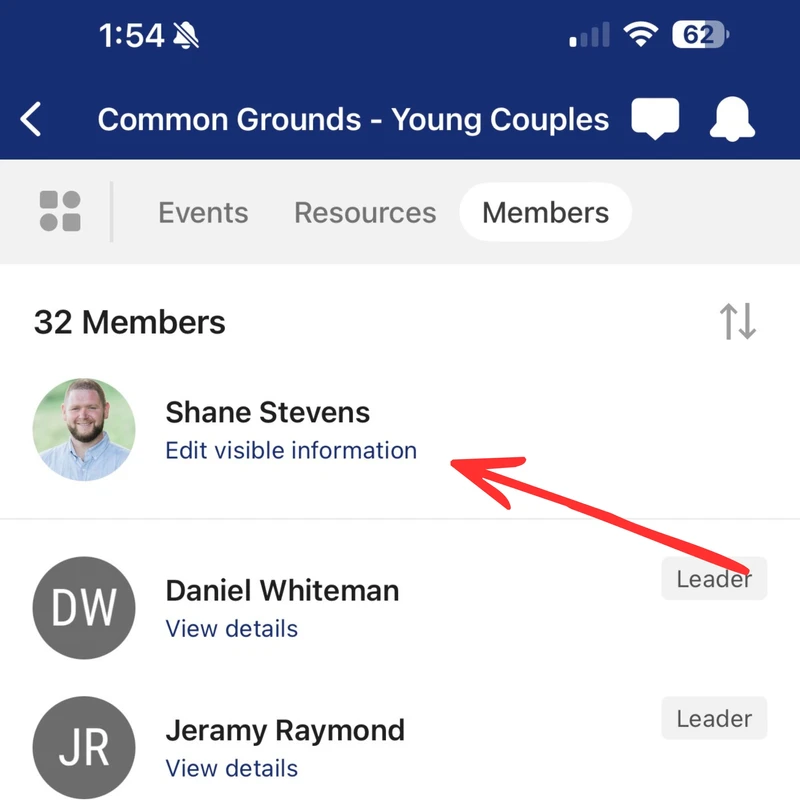
HOW TO UPDATE YOUR PROFILE PERMISSIONS FOR LIFE GROUPS
Personal information is just that… personal. And you deserve to decide who gets access to your email or phone number, even within your church family.
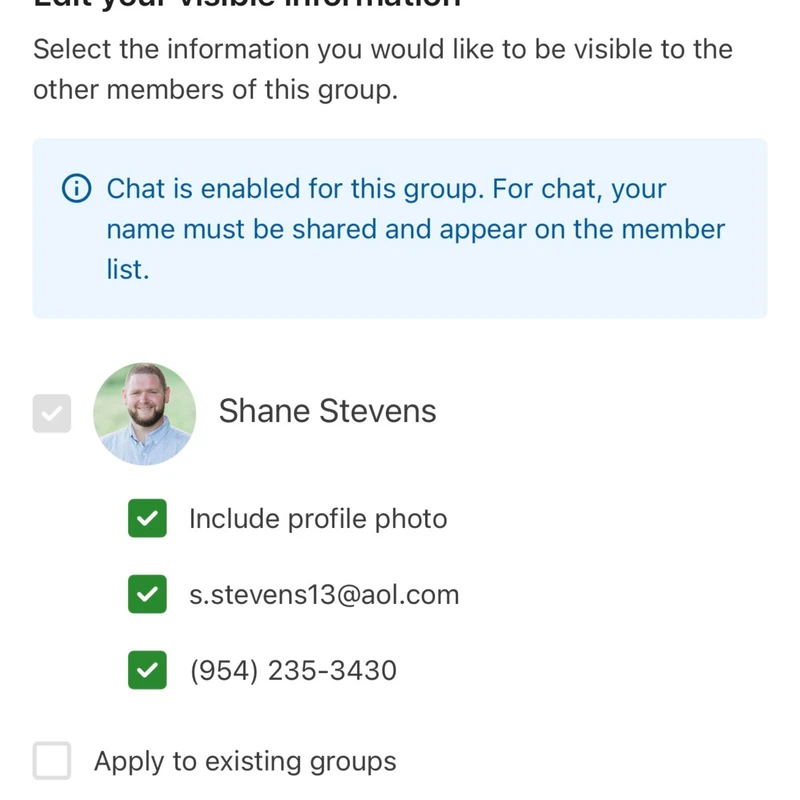
In Church Center, you are in control of what contact information is visible in each group you’re part of.
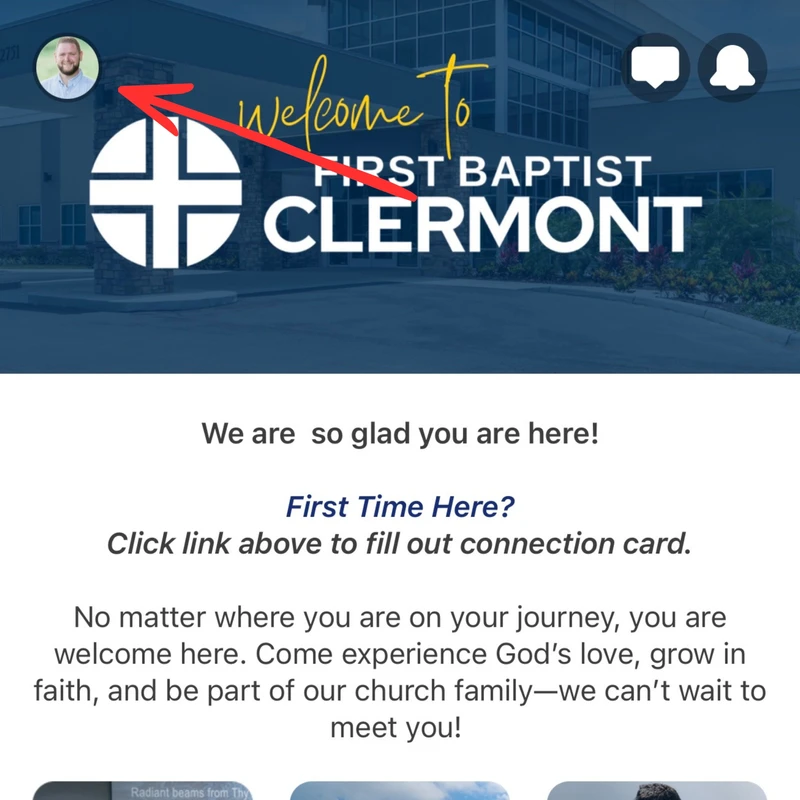
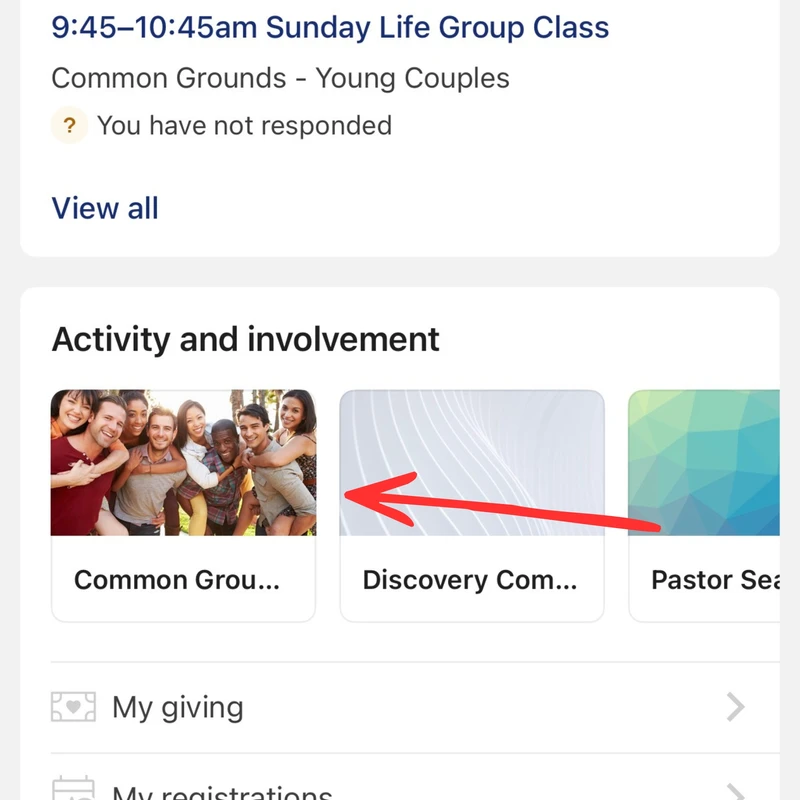
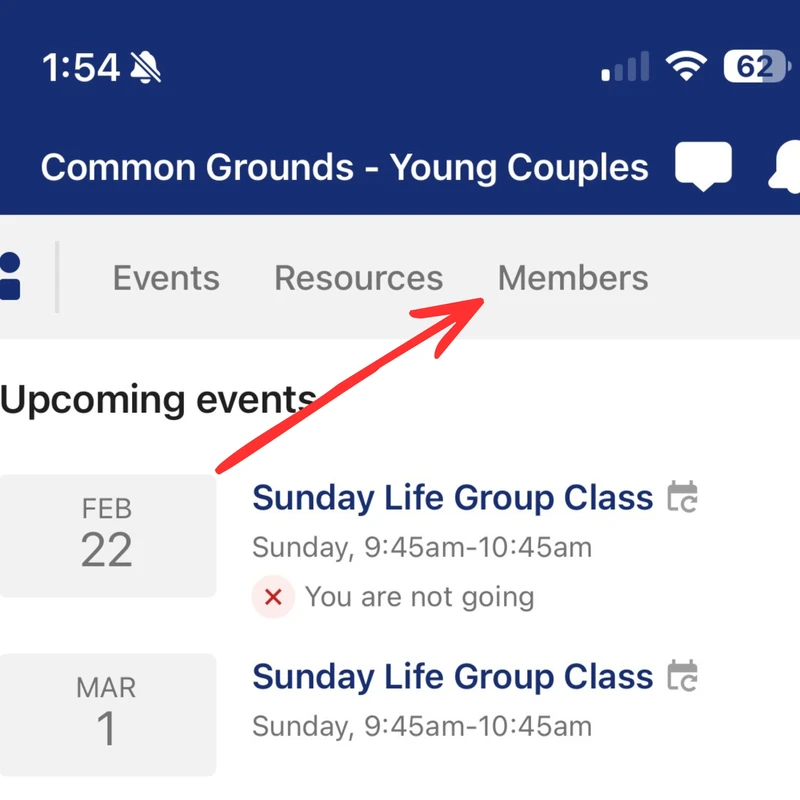
After you log in to Church Center, follow the steps below and look for the option to
Edit Visible Information within your groups. From there, you can choose exactly what details you’d like to share with that specific group. You can also apply the same visibility settings to any other groups you're currently in.

__postcard__.webp)